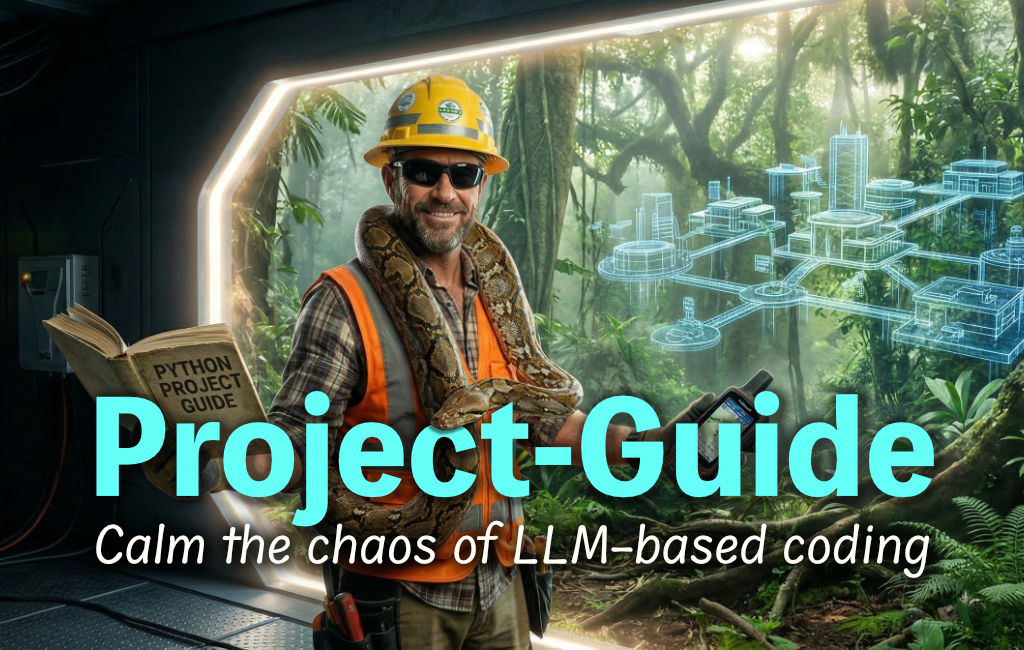
A single rendered entry point dynamically assembles LLM instructions from 17 development modes (planning, setup, coding, debugging, documentation, refactoring, and more) using Jinja2 templates. Type "go" in the LLM chat to advance through each step. Switch modes in the CLI as needed to get the right guidance for the task at hand.
Works for any programming language or framework. Integrated with Pyve to manage project environments.
This is "HITLoop" (human-in-the-loop) development: you direct, the LLM executes. You stay in charge, guiding features, flow, and taste, while the LLM handles the mundane coding. The pace is "flaming agile"—an entire production-ready backend can be completed in 6-12 hours. When you customize a prompt for your project, mark it as overridden so future package updates skip it. When you want the latest workflow improvements, a simple command will sync all non-overridden prompts.
Install via pip or pipx for system-wide CLI access
pip install project-guide
Navigate to your project directory and initialize
project-guide init
Tell your LLM to read the rendered entry point
Read `docs/project-guide/go.md` and start.
Type "go" to advance through each workflow step
go
Change modes to match your current task
project-guide mode <mode-name>
Pull latest workflow improvements
project-guide update
See which files are current, outdated, or locked
project-guide status
17 development modes—planning, setup, coding, debugging, documentation, refactoring, and more—each tailored with the right instructions for the task.
First-class support for pyve-managed hosting: install globally with pyve self install, generate a named-environment spec with the plan_envs mode, and get pyve-aware onboarding plus a status host footer and heal drift warnings when pyve manages the install.
Jinja2 templates assemble a single rendered entry point (go.md) from mode-specific content, so the LLM always sees exactly what it needs.
Content-hash tracking detects changes precisely, so updates only touch files that actually differ from the package version.
Lock any customized file to prevent future package updates from overwriting your project-specific changes.
Color-coded status output shows at a glance which files are current, outdated, locked, or missing.
Works out of the box with sensible defaults. Run init and start working immediately.
Runs on macOS, Linux, and Windows with Python 3.11+ for consistent workflows everywhere.
596 tests with 90% coverage ensure reliability across platforms and edge cases.
Minimal dependencies (click, jinja2, pyyaml, packaging) mean fast installation and no bloat.
Use the --files flag to update specific files, or update everything at once with a single command.
Tab completion for commands, flags, and mode names in bash, zsh, and fish — including dynamic completion of mode names from your project's metadata.
Idempotent commands and explicit consent requirements protect your project-specific customizations.
Automatic .bak files created if you force-update a locked file, so nothing is lost.
You direct features, flow, and taste. The LLM handles the typing. Human-in-the-loop collaboration at its best.
Complete an entire production-ready backend in 6-12 hours with structured, methodical LLM collaboration.
The workflow enforces a focused methodology across 17 modes with approval gates at every step.